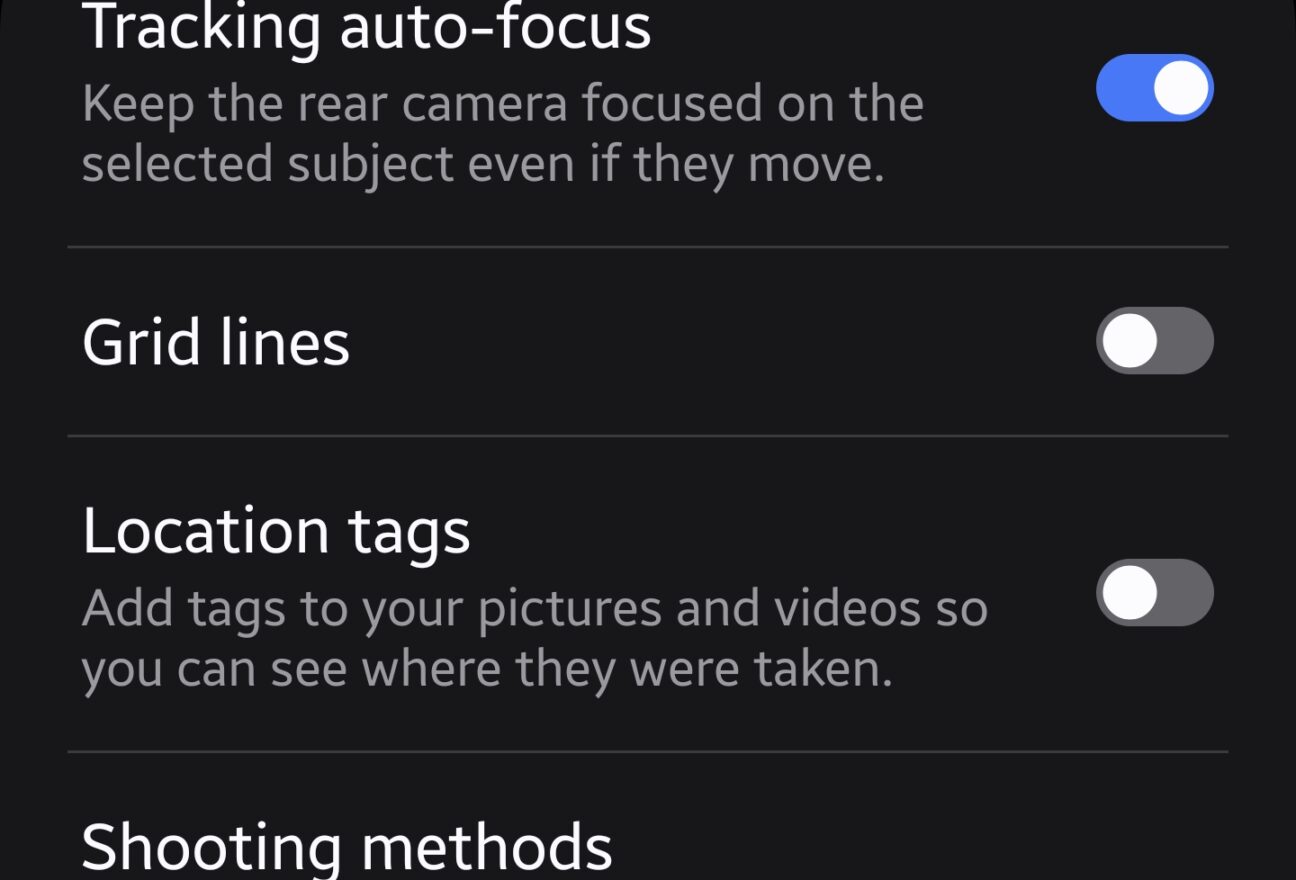
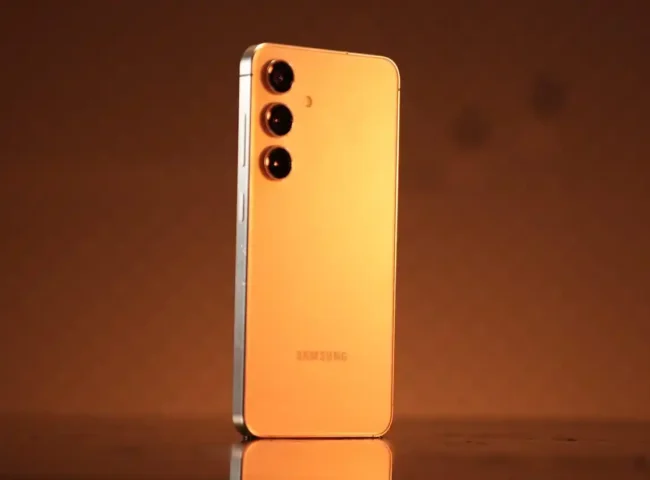
Samsung phones come with powerful cameras, but the right settings can dramatically improve results.
Best Photo Settings
- Enable scene optimizer
- Use 12MP default mode
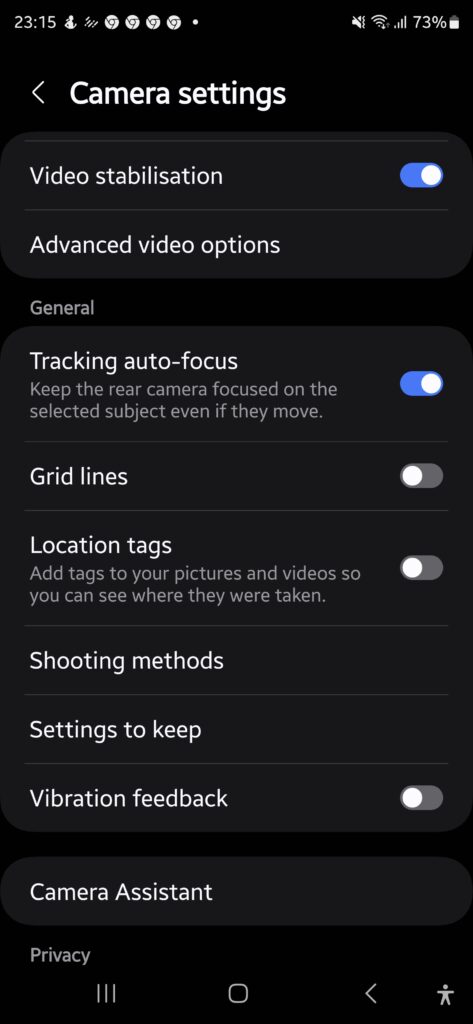
- Turn on grid lines
Best Video Settings
- 4K at 30fps for daily videos
- Enable stabilization
- Use Super Steady only when needed
Night Photography Tips
- Use Night Mode
- Keep phone stable
- Avoid digital zoom
Common Mistakes
- Overusing beauty filters
- Shooting in low storage
- Ignoring lighting
Final Thoughts
With the correct camera settings, Samsung phones can capture sharp, vibrant, and professional-looking photos and videos.

Leave feedback about this